Your product catalog in one place, for your team and your website.
Keep every product, price and document in one shared catalog. Give each person the right login (main user, editor or view only) and show a read-only copy of your catalog on your own website with only the fields you choose.
£40 a month, or £400 a year
Yearly = 2 months free
Included with any Opsryx Complete plan.
Open it straight from Opsryx Complete, and link it in Complete under Settings > Integrations so data flows between them.
Card needed · no charge for 14 days · then £40/month (or £400/year) · cancel any time
1
Add products one by one or import your existing list, then sort them into divisions and categories.
2
Add datasheets, manuals, drawings and case studies so the team can download them from each product.
3
Give your team logins, embed the catalog on your website or share its direct link.
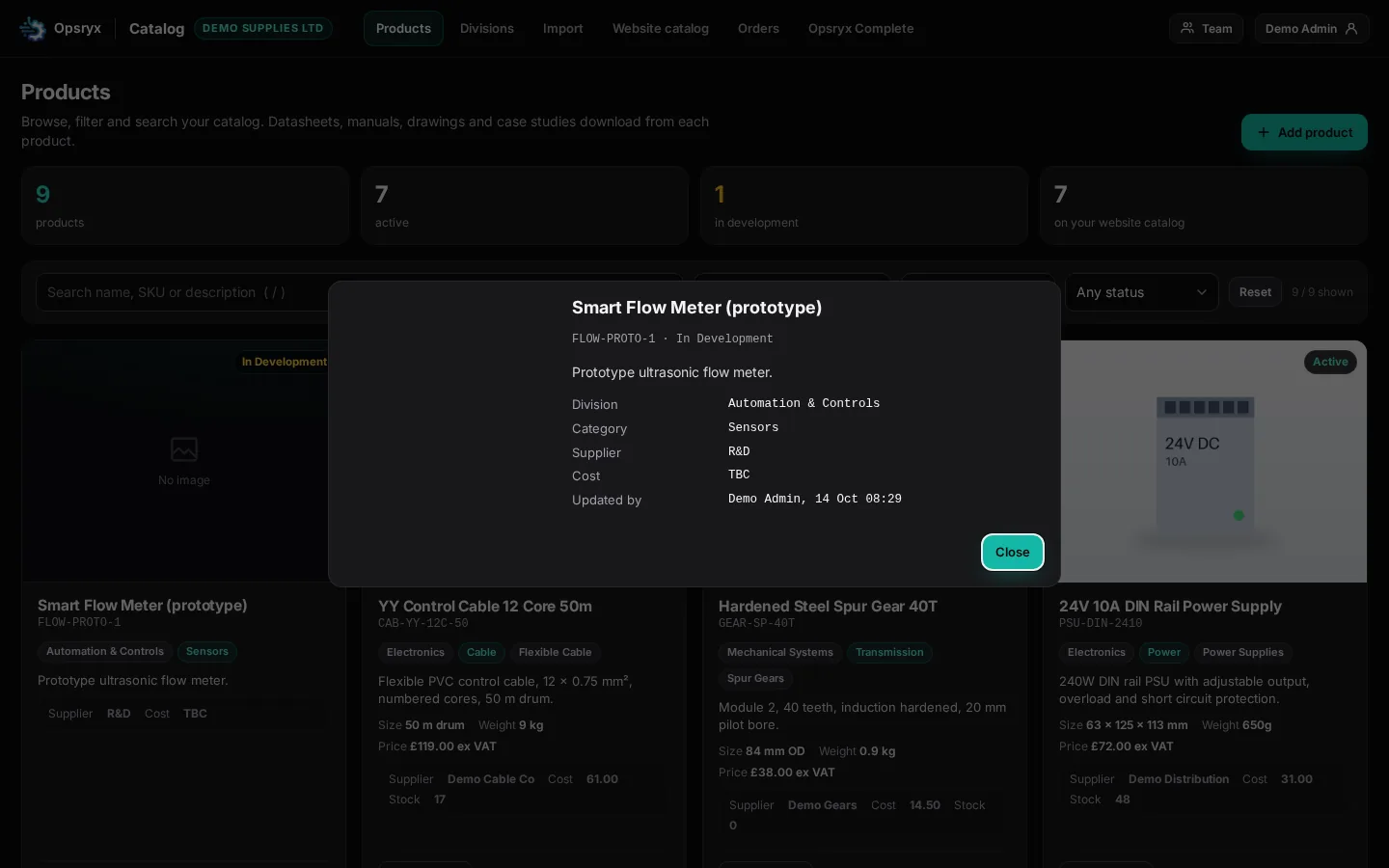
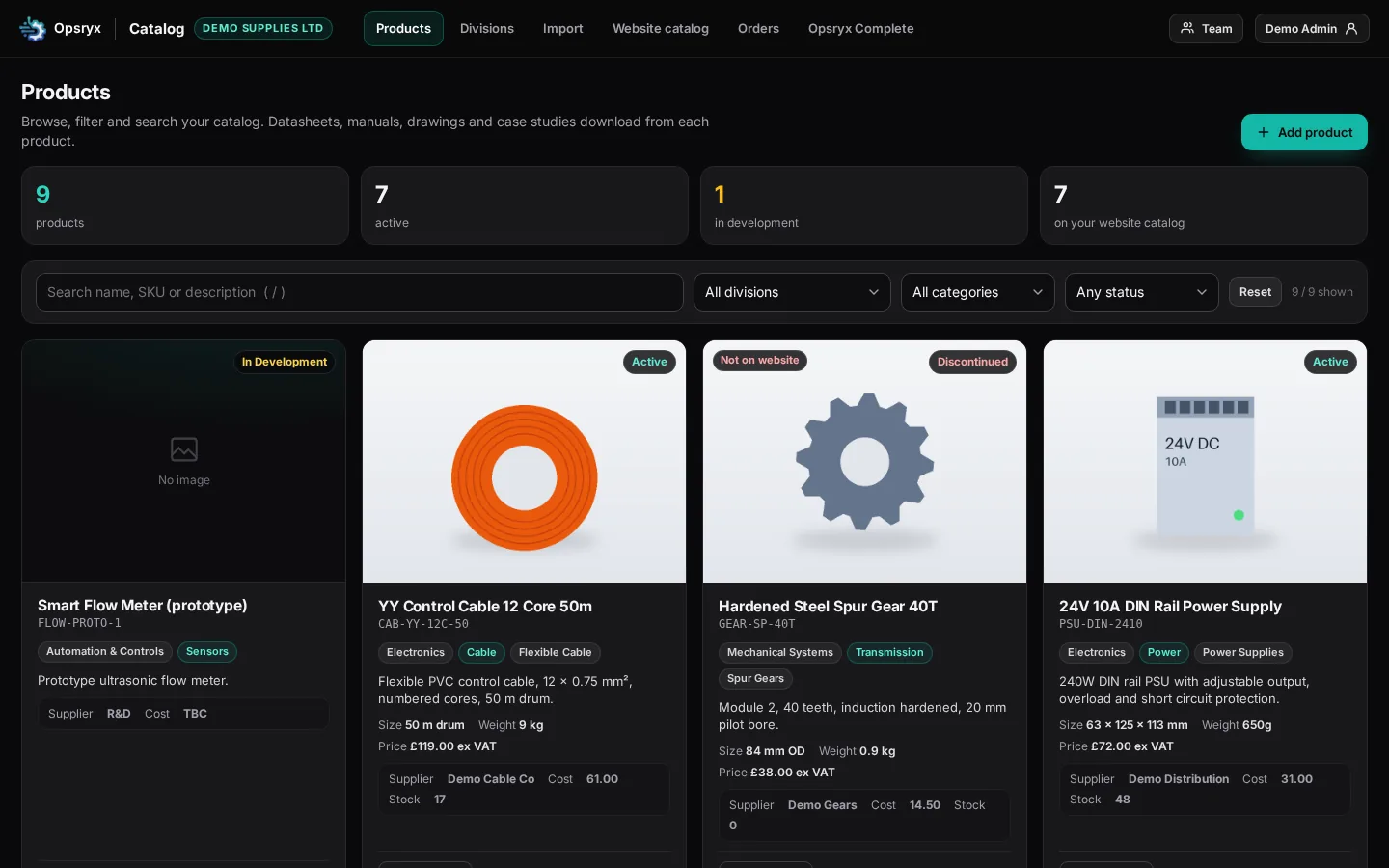
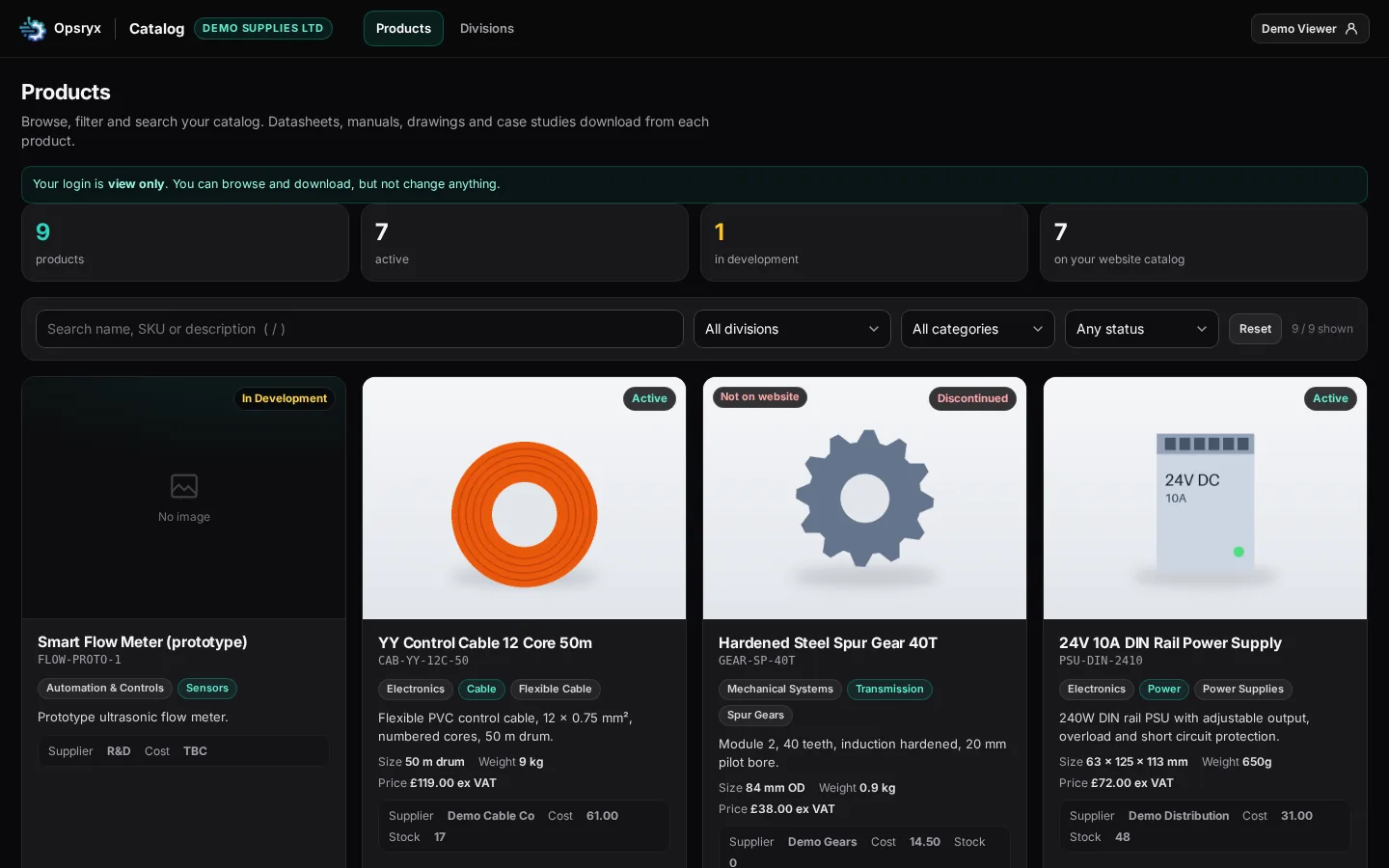
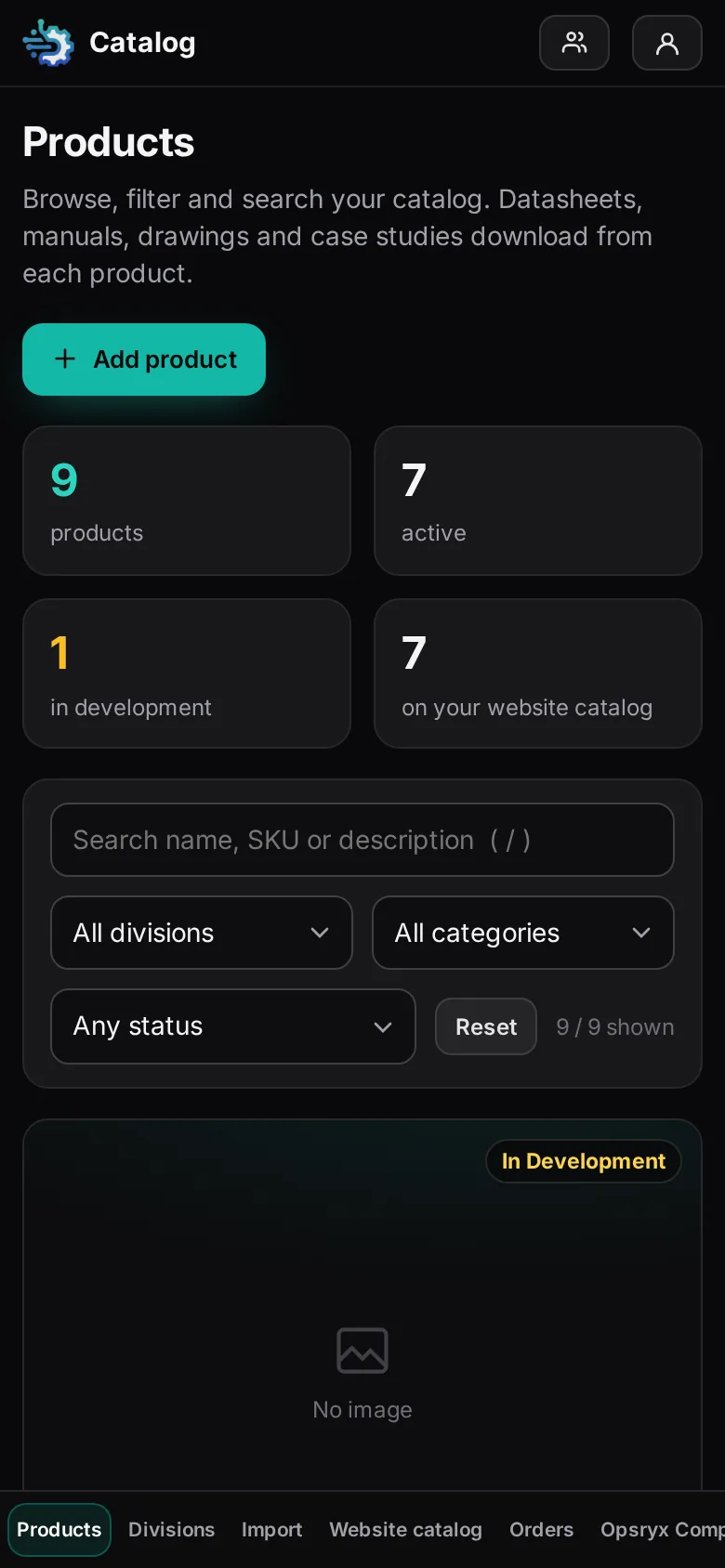
Every product in one place with SKU, description, size, weight, price, supplier, cost and stock, so the whole team works from the same list.
Datasheets, manuals, drawings and case studies download from each product.
Search by name, SKU or description and filter by division, category or status such as active, in development or discontinued.
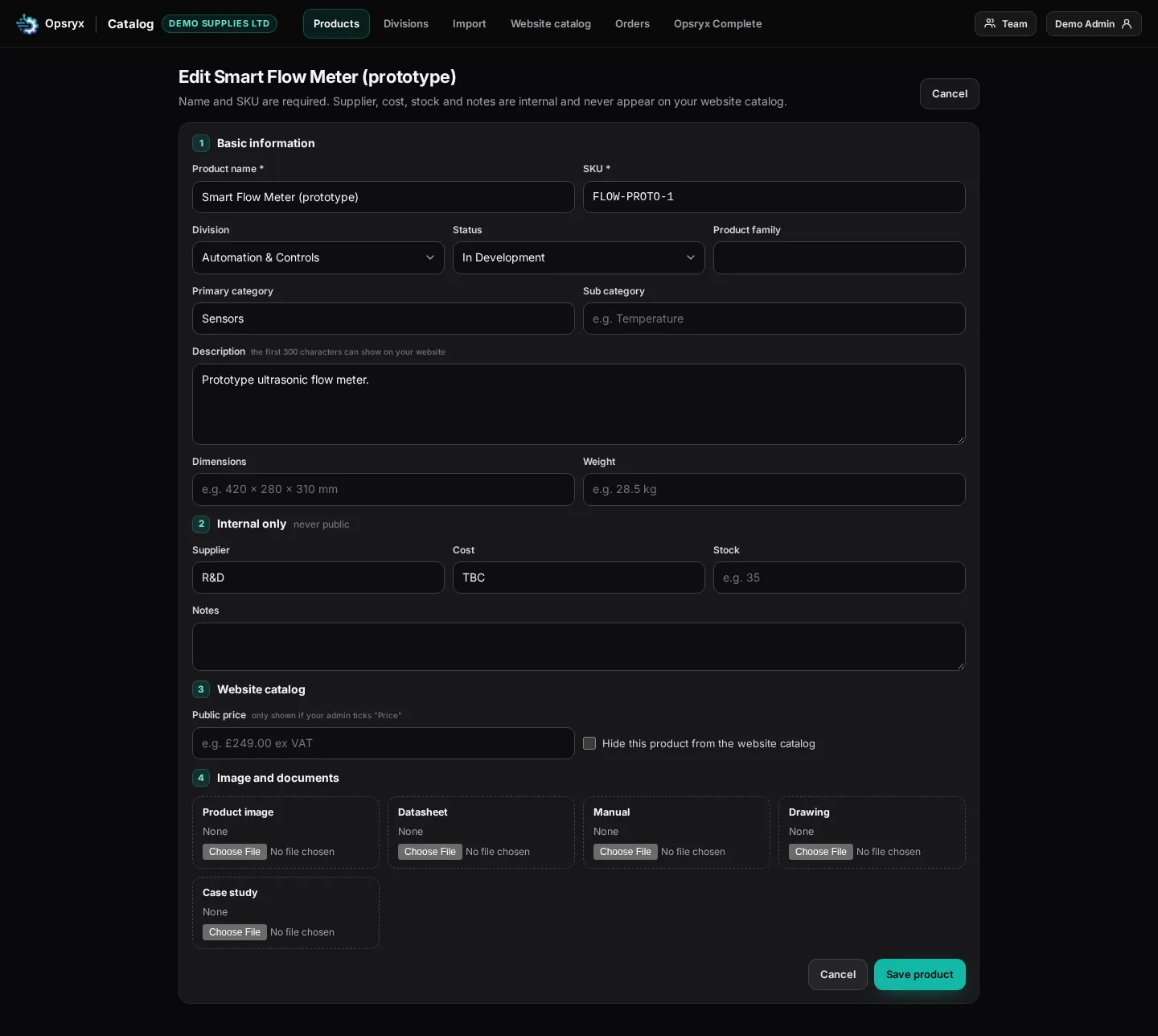
Group products by division and category.
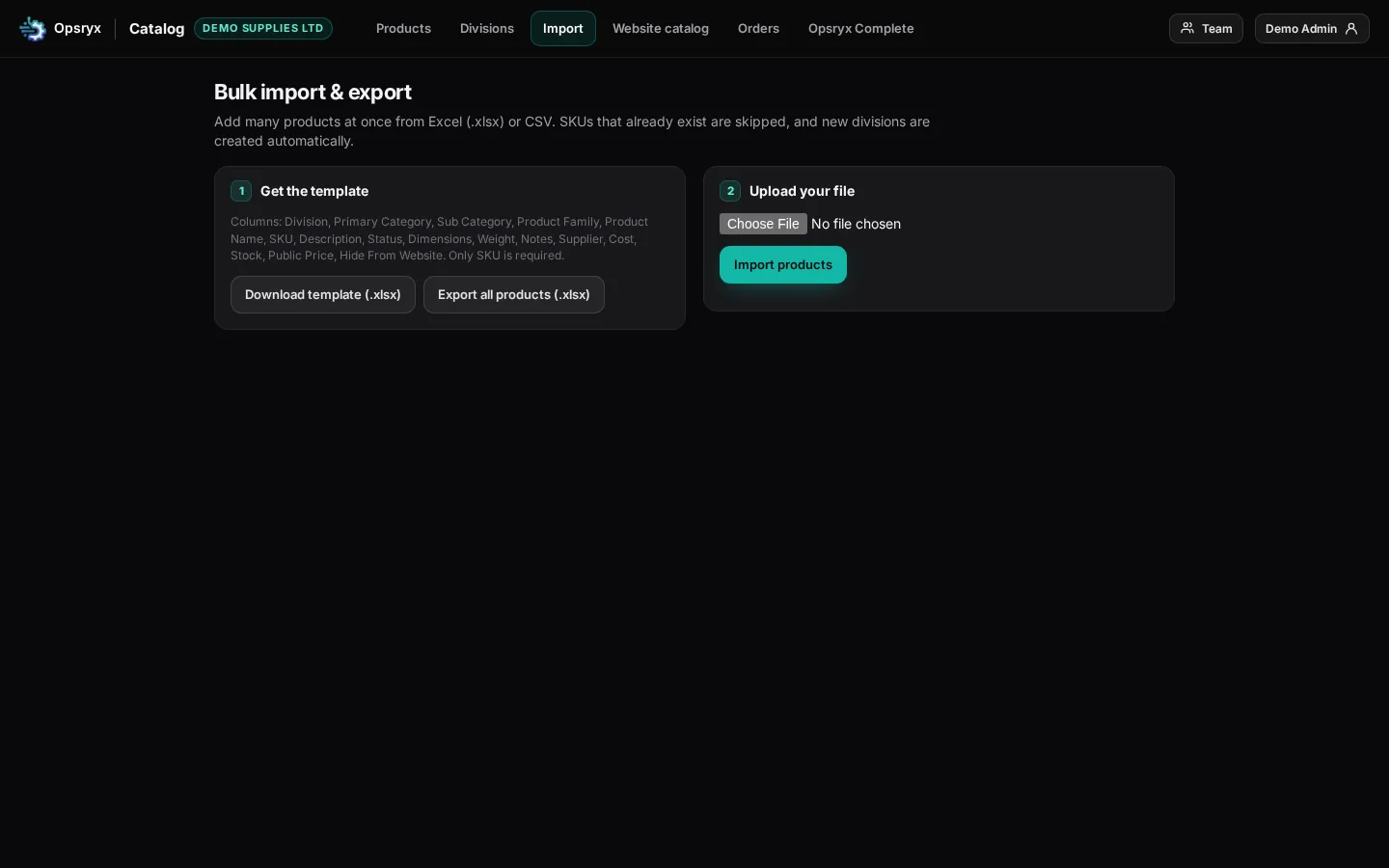
Add many products at once from Excel (.xlsx) or CSV, using the template, and export all products to Excel.
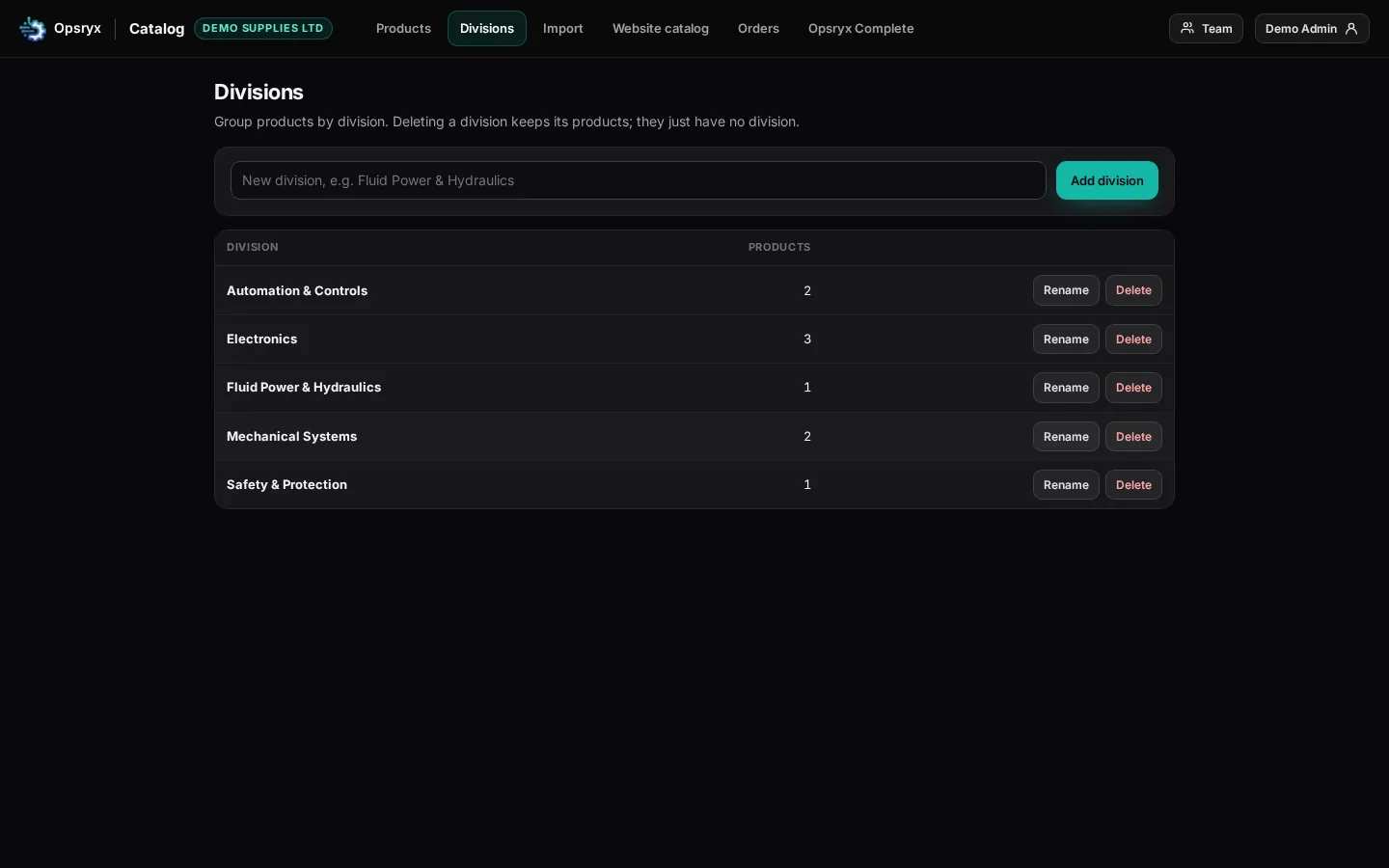
Main user (admin) runs the account and logins. Editors add, edit and import products. View only users can look but not change anything. An optional Sales role is available once you connect to Opsryx Complete.
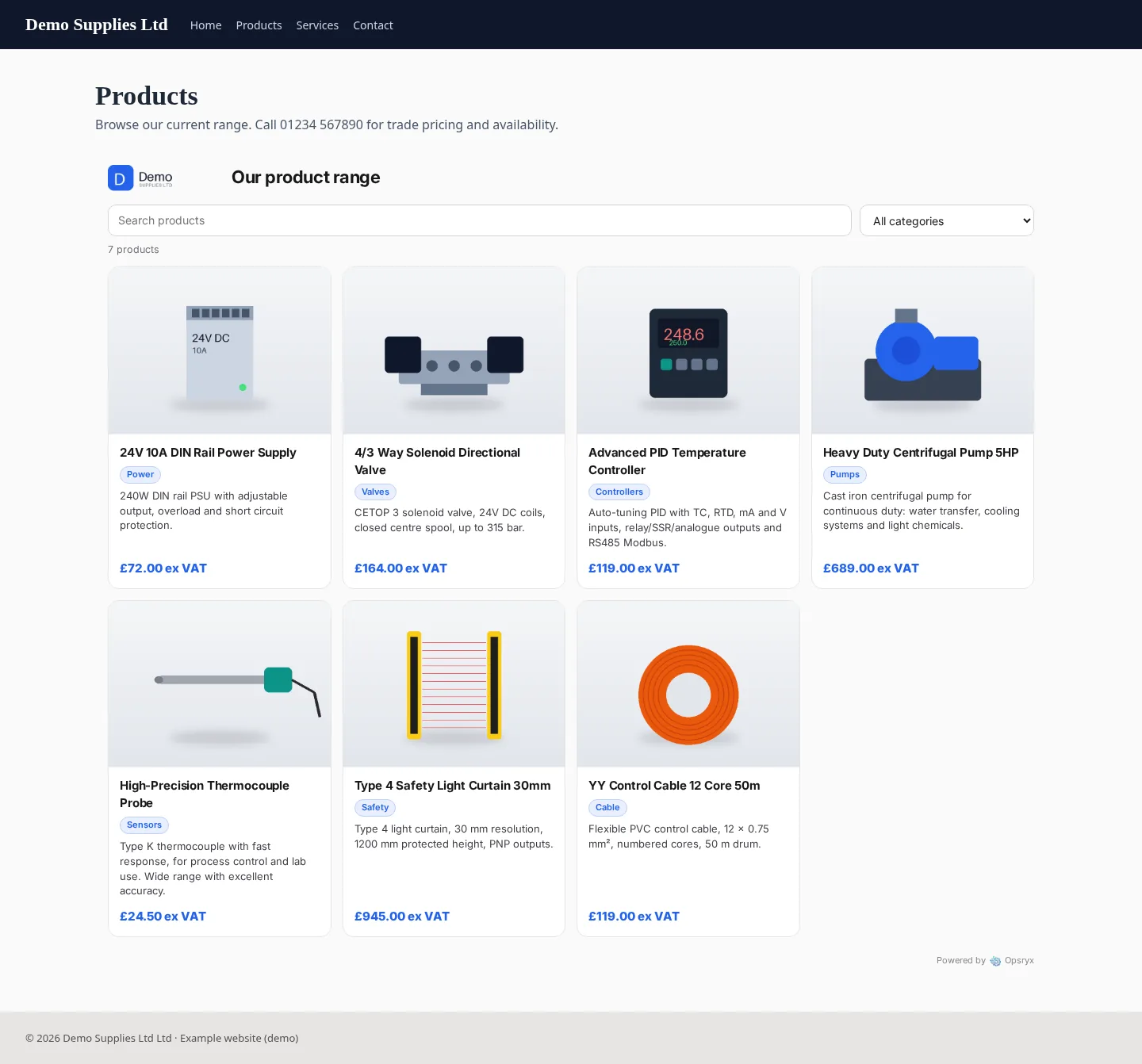
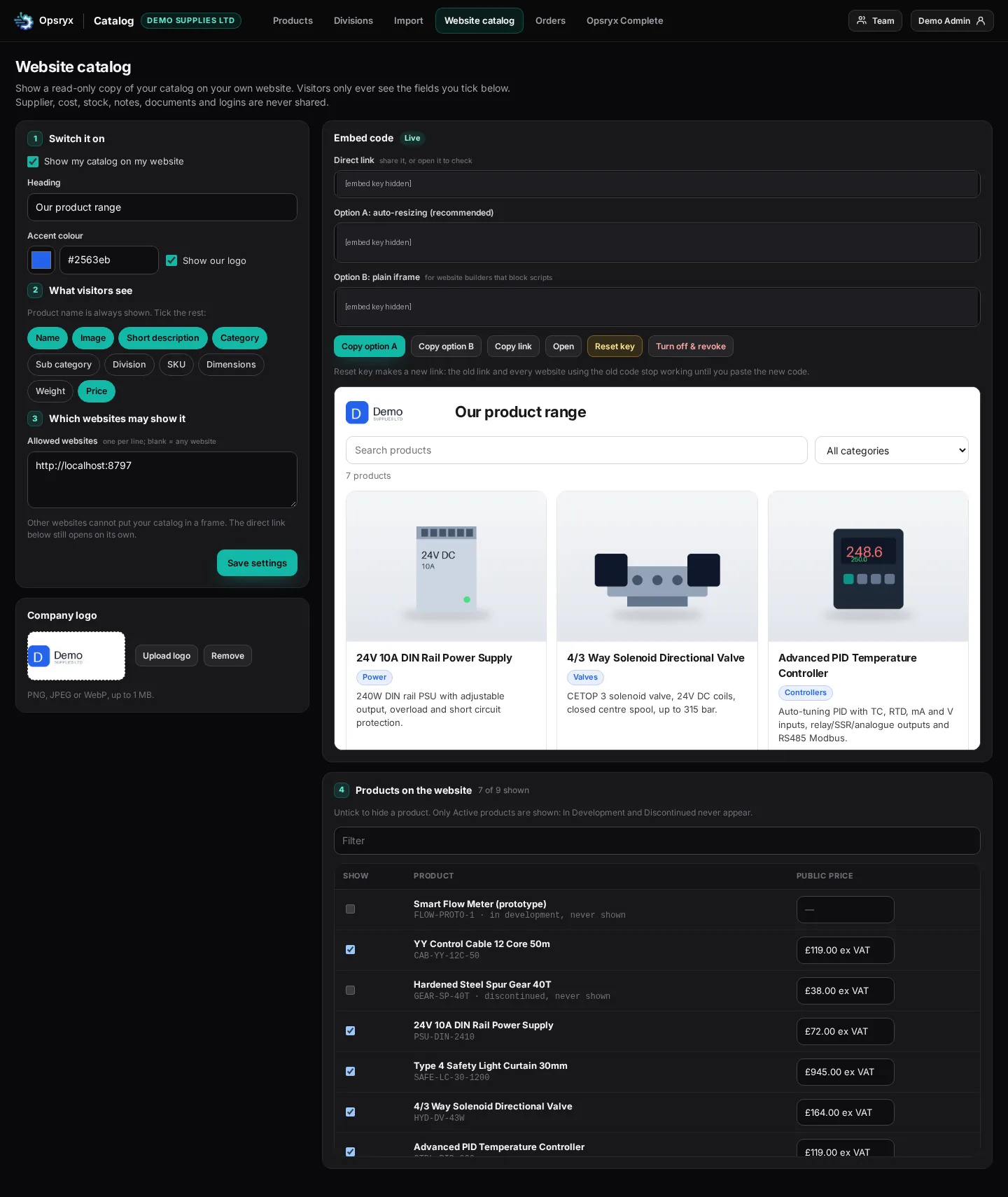
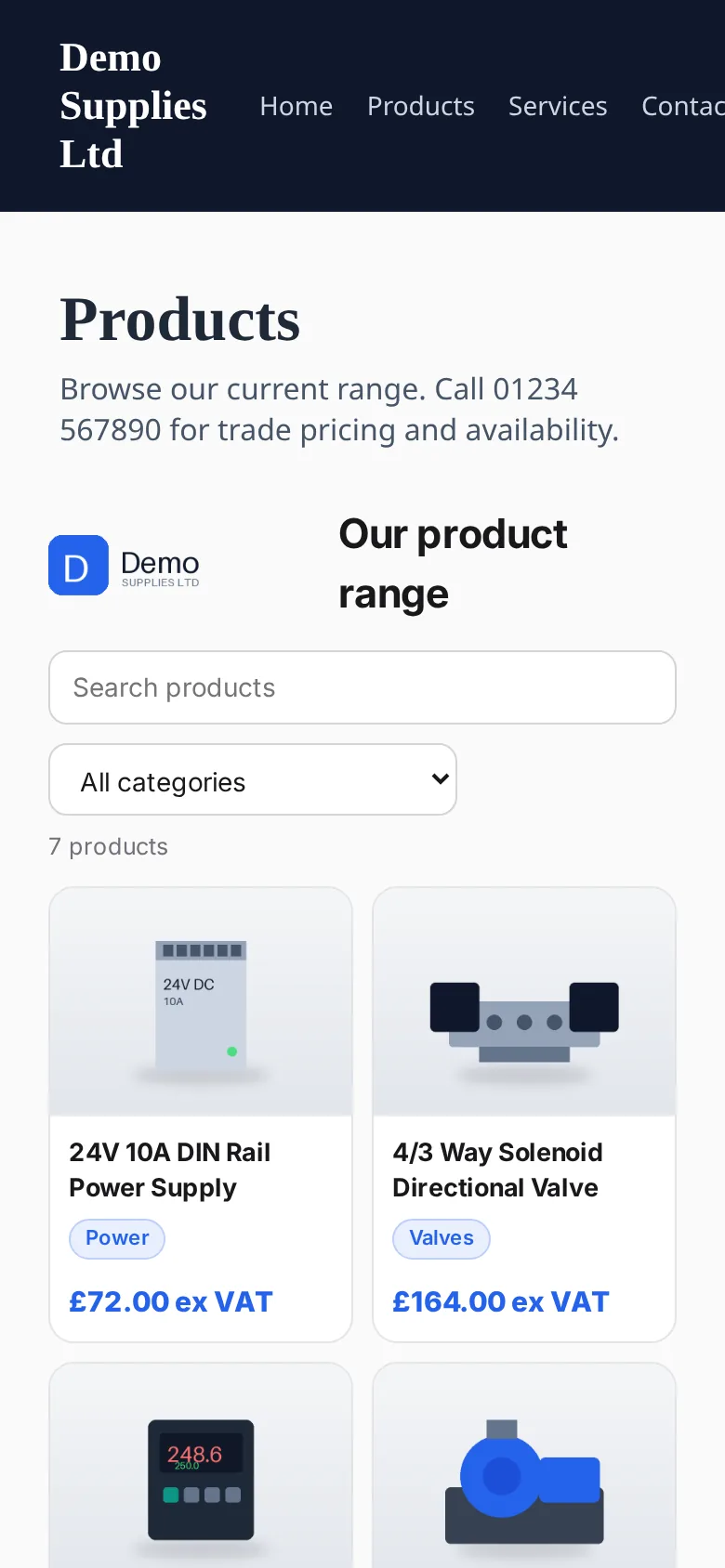
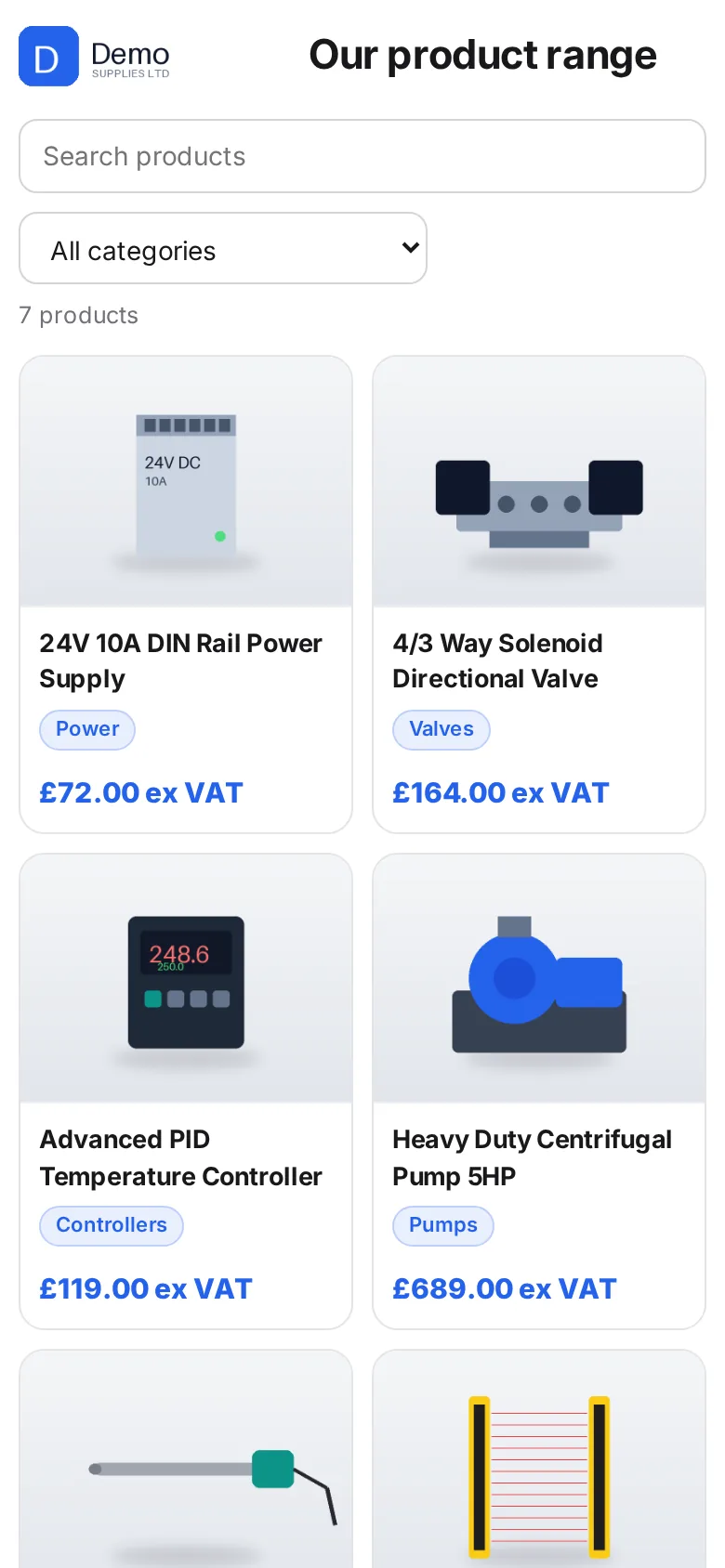
Show a read-only copy of your catalog on your own website. Visitors only see the fields you tick, and it only loads on the websites you allow.
Every website catalog also has a direct link that opens on its own, on a phone or a PC.
Install Opsryx Apps once on a PC, tablet or phone. It opens My apps, where you open Catalog, Kanban, Label Maker or Skills from the tiles.
Optional connection
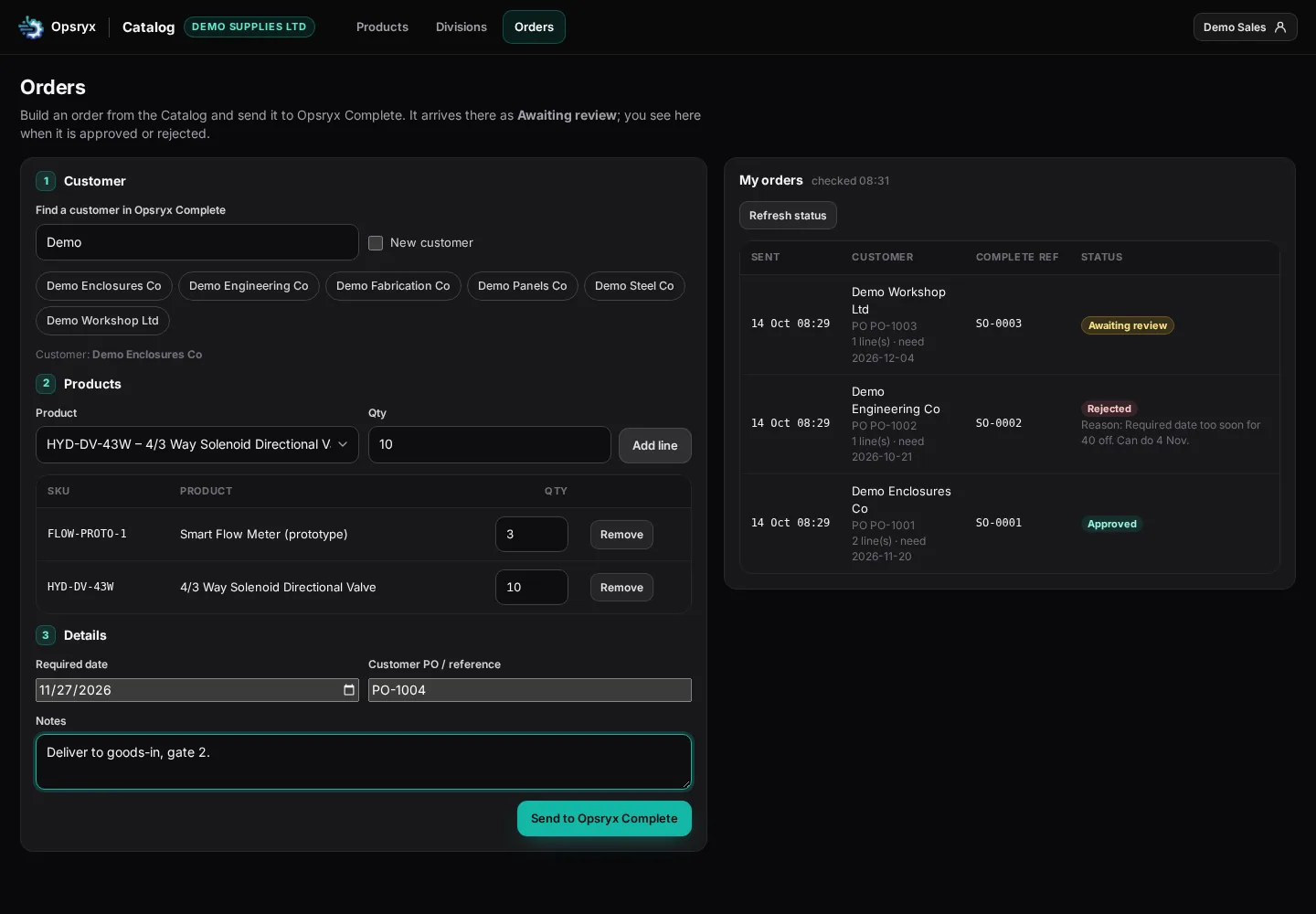
Catalog works on its own. If you also run Opsryx Complete, you can choose to connect the two and add an optional Sales user role.
If you do not connect, the Sales role stays hidden and Catalog works as a standalone product catalog.
Install the Opsryx Apps portal once at apps.opsryx.com. It opens My apps, then you open each module from the tiles.
It needs an internet connection. Your products and files are kept in your company account, so they follow you from device to device.
Yearly = 2 months free. One company account with logins for your whole team.
Card needed · no charge for 14 days · then £40/month (or £400/year) · cancel any time
Pick one or more — one account, one login, one invoice.
Running jobs as well?
Opsryx Complete covers jobs, shop floor, quality and stock, and can take orders from Catalog for review when you connect the two.
See Opsryx Complete →Company names, logins, products and prices in the screenshots are made-up examples.